Header image Spring Quarter 2010  
 
line decor
  
line decor


what we will do

This introductory course teaches beginning and intermediate photographers how to improve their photographic technique and to use digital cameras for effective visual communication.

Using their own digital cameras, students practice professional shooting strategies and produce practical, creative photo assignments weekly.

Students will use image-editing software for creatively improving communication, composition, tone and color, focusing on the basic tools and techniques most valuable to the digital photographer. All the images in daily assignments can be edited in professional imaging software to recompose, resize, crop, color correct and sharpen.

Topics include camera operation and theory, useful file formats, composition basics, composing within the frame, using natural available and artificial lighting, texture, shape, form, and line in the photograph, framing, useful tonal ranges, digital darkroom tech-niques, repair and retouching, compositing, portraiture, scenic and nature photography, action photography, close-up photography, and shooting products.


week 1 resources

syllabus week 1 assignments
powerpoint course introduction
digital camera introduction
harbor in San Francisco
old city gate
christmas girl
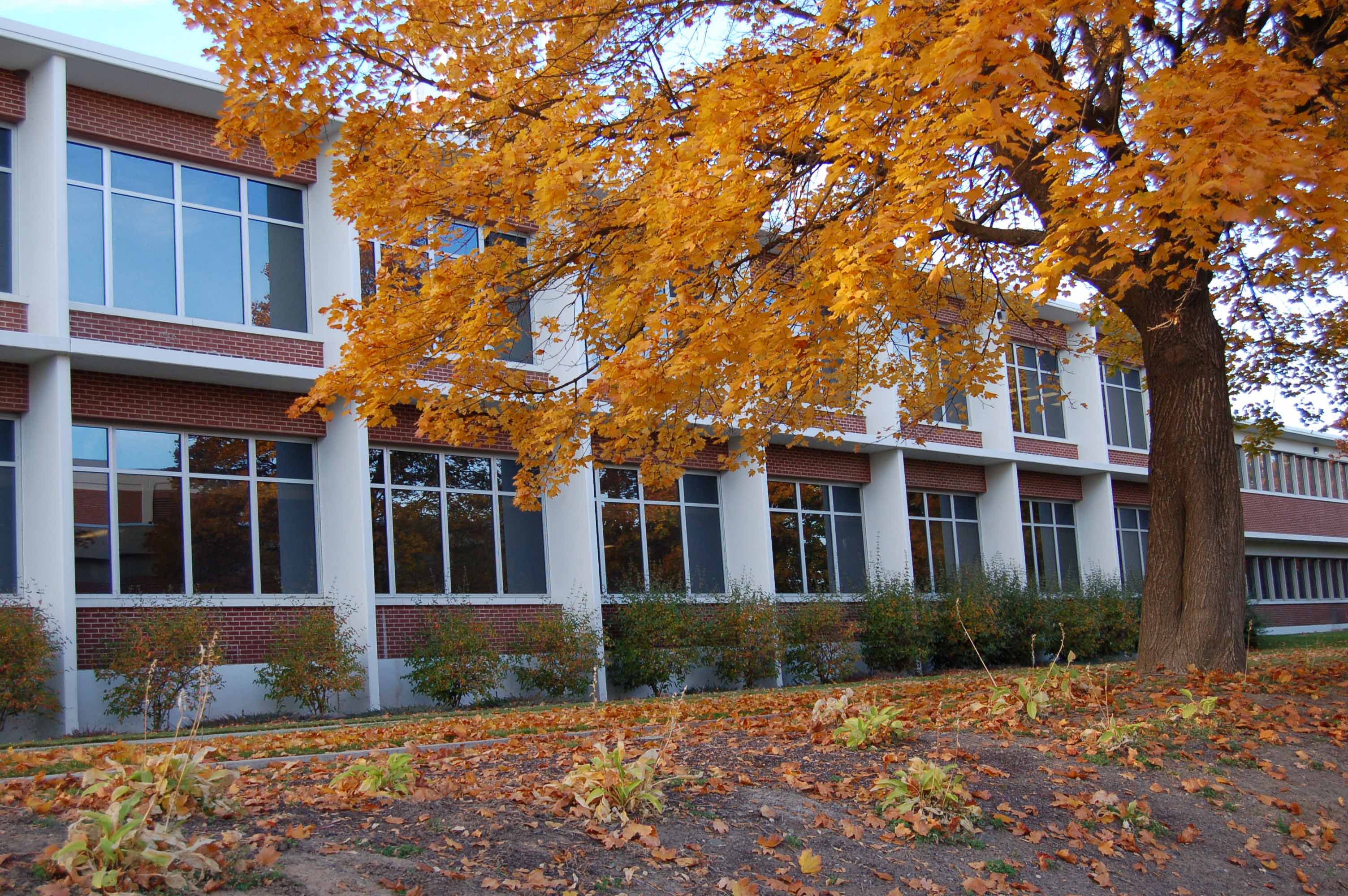
science building
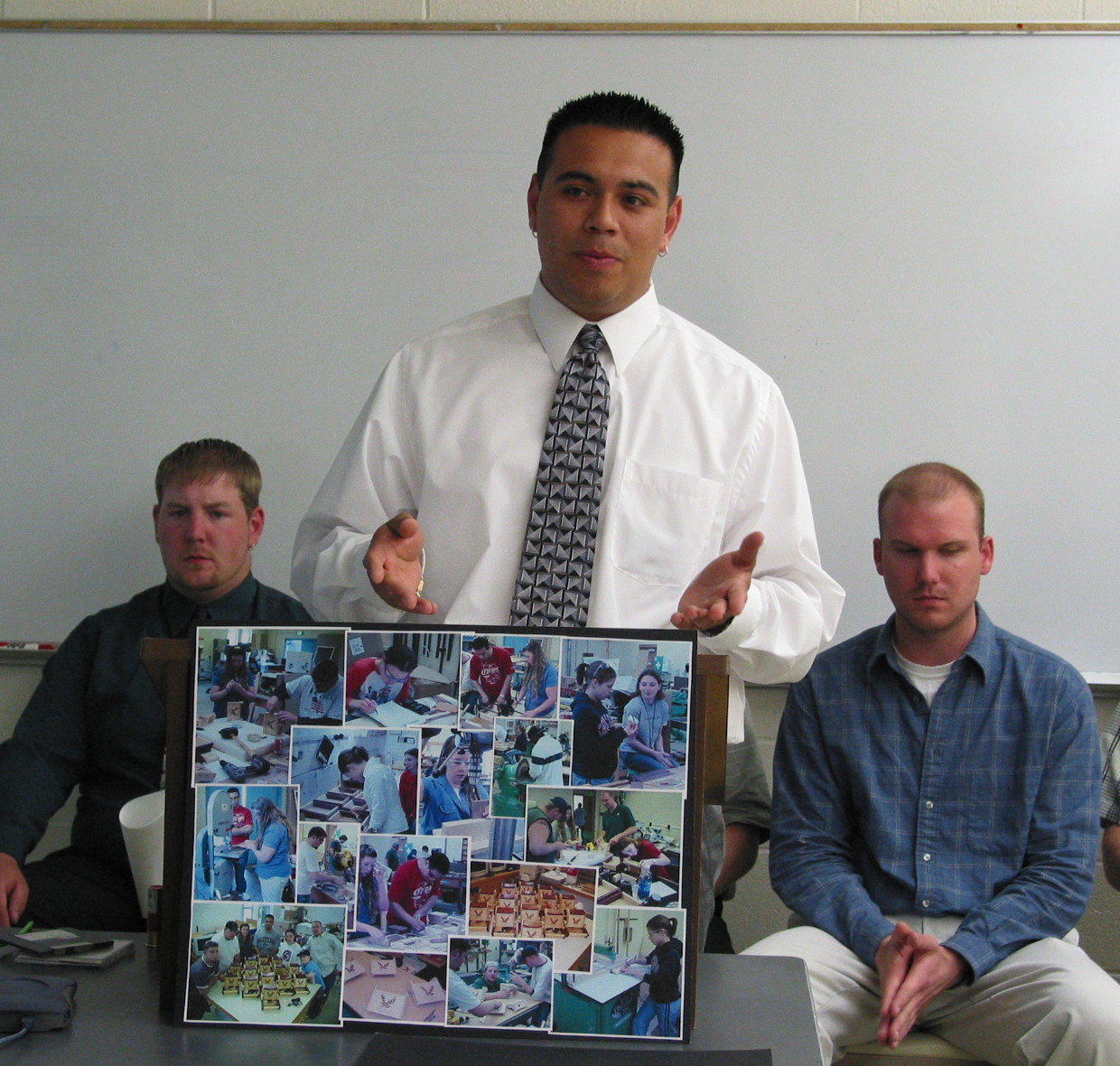
sr project presenter

week 2 resources

week 2 assignments
powerpoint good pictures
building image to fix in as4
doorway image to fix in as5
building 1 for class exercise
building 2 for class exercise

week 3 resources

week 3 assignments
powerpoint action photography
examples -panning-water
figure 4.28
figure 4.32
figure 4.68
monumnet image to crop #7
image to fix #8
adobe image for in-class activity
tower image for in-class activity
mt hood image for in-class activity
vancover image for in-class activity
cafe image for in-class activity

There will be a quiz on Tuesday April 20, based on the first three week's study questions. To make your life easier, here is a reduced list of study questions from week 3 !

useful links

communicatino arts photo contest
jpg online magazine


week 4-5 resources

week 4-5 assignments
powerpoint on portraiture
powerpoint on portrait lighting
figure 5.3
figure 5.31 and figure 5.32
figure 5.57
assigned image 1 to correct
assigned image 2 to correct
young girl image for in-class
two kids image for in-class
HPPV image for in-class
dry falls to fix for in-class
dry falls good sky for in-class
color to BW for in-class
businessmen for in-class

week 6 resources

week 6 assignments
jim's travel photography tips
notes on the ethics of retouching
figure 8.1 operahouse
figure 8.10 smart seeds
figure 8.23 woman

week 7 resources

week 7 assignments
assigned image 5 tattoo
assigned image 6 teeth
assigned image 7 wrinkles
braukmann's notes on arch photos
braukmann's notes on flash1
braukmann's notes on flash2

iadding glow image for in-class
hair color image for in-class
sweater color image for in-class
blemishes image for in-class

smile eyes more image for in-class
RAW 1 RAW 2 for in-class
oaksdale image for in-class


week 8 resources

There will be a quiz on Thursday May 20 on the content in the study questions for weeks 4/5, 6, and 7. We will review the answers to those questions on Tuesday May 18.

week 8 assignments
powerpoint on macros

week 9 resources

week 9 assignments
powerpoint on scenic photos
duckOnBlack, duckOnWhite,
duckFront, duckSide,
corfu harbor
corfu boat
kitten, desk
jack

teenager, station
jmotocross bike

week 10 resources

final study guide
Note that there will be an optional quiz given at the end of the last regular class meeting. It will be over the same subject matter as covered in the final exam. If you elect to take the optional quiz, your lowest quiz grade will be dropped. It is also a great way to tune up for the final exam, which will be at 10 AM on Wednesday June 9.

The last day to turn in assignments is Friday, June 4th. On Saturday the password access will be closed. If you have files you wish to retrieve from your folders, you can do that by right-clicking on them in your browser in the Student Folders link.